Quick Spec
EasyFree browser-based tool. No upload to any server.
Resize for LinkedIn Profile Photo
Drop your photo here or browse
JPEG, PNG, HEIC — any size
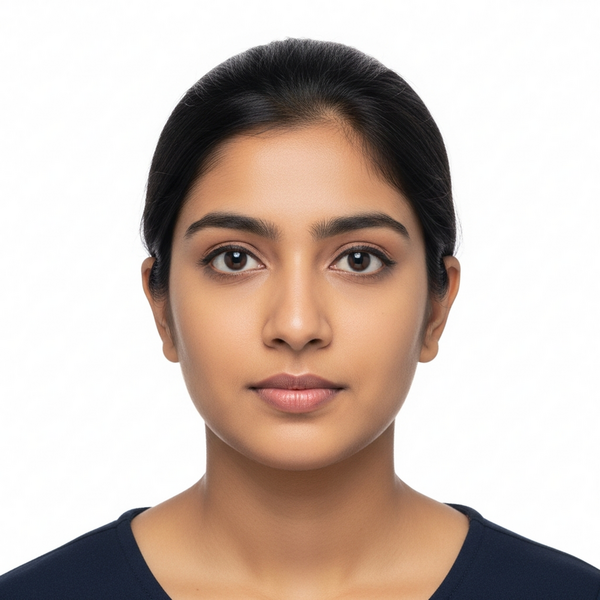
Upload a photo to see the result
LinkedIn profile photos are displayed as a circle cropped from a square upload. The minimum size is 400×400 pixels, but uploading at 800×800 or higher ensures sharpness on retina displays. Unlike passport photos, there are no government rules here — but LinkedIn's own research shows profiles with professional headshots receive 14× more profile views. The key is a clean, well-lit photo with a solid or blurred background that communicates professionalism.
What Makes This Specification Unique
Displayed as a circle — corners get cropped, so keep your face centered
Minimum 400×400px but 800×800+ recommended for retina sharpness
Max upload size is 8 MB
GIF supported but only the first frame displays
LinkedIn Open to Work frame is added on top — don't let it cover your face
Company pages have a different logo size (300×300px)
Common Rejection Reasons
Not really rejected, but common mistakes: face too close to edge (gets clipped in circle crop), too dark/low contrast, logo instead of face, group photo
ExactPix Tool Rules for This Spec
When you use the ExactPix tool on this page, it's pre-configured with these rules:
Minimum 400×400px — LinkedIn will crop circular from center
Recommended upload size is 800×800px or higher for sharpness on retina displays
LinkedIn crops to a circle — keep face centered with margin around edges
Applications That Require This Photo
Frequently Asked Questions
Official Sources
Reviewed: 2026-05-01